Building an App with AI: What You Can Do Yourself and When You Need a Developer
Author
Grow-App
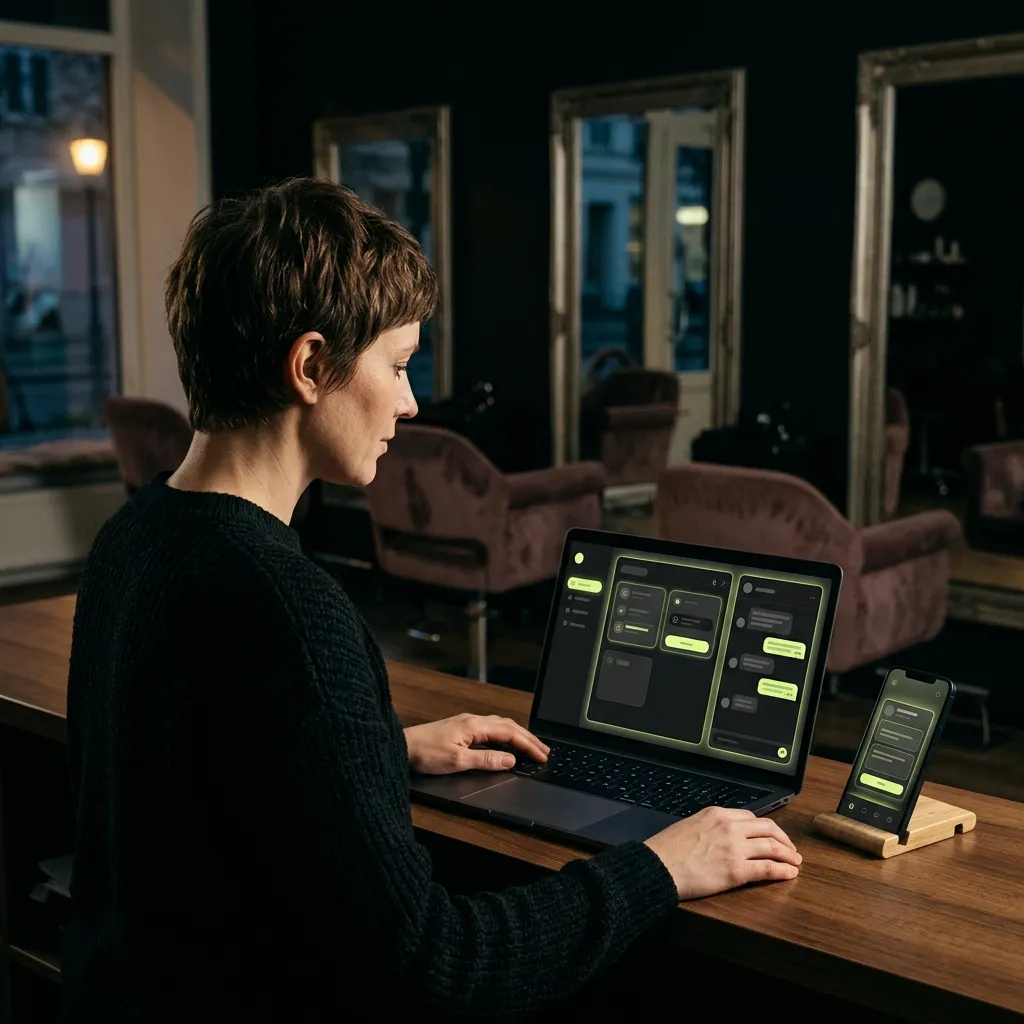
With tools like Lovable, Bolt, Replit or v0 you can build a working prototype, or even a simple app, in a single afternoon without knowing how to code. For testing an idea, it's the cheapest route there has ever been. It gets hard with payments, user accounts, personal data protection, security, publishing in the App Store and Google Play, and keeping the app running for years. That's where you need a developer.
This article is for business owners with an idea who've heard that "AI builds apps now". Salon owners, tutors, restaurateurs. We look honestly at what you can manage on your own, what it costs, and when it's worth bringing in someone who builds apps for a living.
How does building an app with AI work?
The principle is simple. You type what you want in plain words. For example: "An app for my beauty salon where a client picks a treatment and a time slot and gets a confirmation." Within minutes the tool generates screens, buttons and a simple database. You try the result straight away in your browser.
Then you keep talking to it: "add a price list", "make the button bigger", "email me when a new booking comes in". Every change uses up messages or credits from your plan.
The tools differ mainly in what they can build:
- Lovable builds web apps that work in a browser and on phones. It doesn't produce an app for the App Store or Google Play directly.
- Bolt can create both a web app and a mobile app. To publish in the stores, though, you need your own Apple and Google developer accounts and a few steps on your own computer.
- Replit can create both web and mobile apps and helps you submit to the App Store. According to its documentation, it doesn't support publishing to Google Play yet.
- v0 from Vercel is strongest on the visual side: screens and websites.
How much do AI app builders cost?
All four can be tried for free. Prices are from their price lists as of September 2026, in US dollars as they publish them.
| Tool | Free | Paid plan | What it builds |
|---|---|---|---|
| Lovable | 5 credits a day, up to 30 a month | Pro from $25 a month | Web app |
| Bolt | 1 million tokens a month | Pro from $25 a month | Web and mobile app |
| Replit | Daily AI allowance and one published app | Core from $20 a month | Web and mobile app |
| v0 | $5 of credits a month | Depends on plan | Screens and websites |
Watch out for two things. Credits run out fast on a larger app, and fixing bugs the AI introduced also costs credits. And if you want to be in the app stores, add $99 a year for an Apple developer account and a one-off $25 for Google Play.
What can you do yourself with AI?
Honestly: a surprising amount. Especially if you're after something simple with a clear goal.
- A clickable prototype. Show it to ten customers and find out whether they'd use it. This used to take a designer and weeks of work.
- A simple internal tool. Order tracking, a task list for your team, a job overview. When only you and a few colleagues use it, the risks are small.
- A demo for an investor or partner. Instead of slides, you show something people can try.
- A landing page with a sign-up form. Test demand before you build anything.
For testing an idea, an AI prototype is excellent. If you have an idea you've never shown anyone, start exactly here.
Would an off-the-shelf service do?
Before you build anything, even with AI, check whether someone already solves your problem. For online bookings there are ready-made services like Calendly, Acuity or Fresha. For selling videos and courses, platforms like Kajabi or Teachable. For loyalty cards, dozens of apps.
An off-the-shelf service has one big advantage: someone else looks after payments, security, personal data and updates. If it covers 80% of what you need, it's often the best choice. Building your own app, whether with AI or with a developer, makes sense when ready-made services fall short on something important, or when their fees grow faster than your business. More on this in your own app vs. a ready-made platform.
When do you need a developer?
The problems start the moment real customers use the app, pay money through it and trust you with their data.
Payments and subscriptions
Connecting a payment provider for a test is easy. Handling failed payments, refunds, subscription renewals, invoices and VAT is a different league. Every mistake here means an unhappy customer or lost money.
User accounts
Logging in, forgotten passwords, different access levels (customer, staff, owner). If it isn't designed well, one customer might see another customer's data.
Personal data protection (GDPR)
When your app collects names, email addresses, phone numbers or health information, you're responsible for it. You need to know where it's stored, who can access it and how to delete it on request. An AI tool won't sort that out for you.
Security
AI writes code that works. Not always code that's secure. A generated app can have unprotected data or access you don't know about. A non-developer can't tell by looking at the screen.
Publishing in the App Store and Google Play
The app must pass both Apple's and Google's review and follow their rules. New personal Google Play accounts must test an app with at least 12 testers for 14 days before it can go live. If it's rejected, someone needs to know what to fix.
Maintenance over the years
Apple and Google release new system versions and change their rules every year. An app that works today can break in a year. If AI built it and nobody understands the code, every fix is guesswork.
A sensible path: AI prototype, design, then development
The best results we see come when these worlds work together rather than compete:
- AI prototype. In a few days and for a few dozen euros, find out whether there's interest.
- Solution design. If there is, create a considered design of the screens and how the app will work, including payments and data. We call this Pitch Design. You see the finished solution before you spend money on development.
- Development. Only once the design is clear do you build an app that can carry real customers.
Your AI prototype isn't wasted along the way. It's the best brief you can bring to a developer, because it shows exactly what you want.
With our restaurant reservation system, too, the idea is being tested in the field first, directly with restaurants, before any next step.
Website or app? You don't need to know
AI tools mostly create web apps that work in a browser and on phones. That's usually enough to start. A store app comes later, when you need notifications, offline use, or simply because customers expect it. We explain the differences in our web vs. app comparison.
When does a custom solution pay off? A quick test
It's time to move from an AI prototype to a developer if you can answer yes to at least three of these:
- Customers have tried the prototype and want to use it.
- The app needs to take payments or subscriptions.
- You'll store customers' personal data in it.
- You want to be in the App Store and Google Play.
- You spend more time fixing AI-made bugs than running your business.
- You want to run the app for years.
If you answered yes only once or twice, carry on with the AI tool. It's serving you well for now.
How to start
- Describe the problem, not the app. "Clients phone me about appointments while I'm working" is a better start than "I want an app".
- Pick one tool and its free plan. Don't build everything at once. One main screen, one action.
- Don't store real data. Use made-up names and email addresses for testing.
- Show the prototype to five to ten customers. Note what they understood straight away and where they got stuck.
- Decide using the test above. Either you carry on yourself, or it's time for design and development.
Frequently asked questions
Can an app built with AI go into the App Store and Google Play?
Some tools, such as Bolt and Replit, can create a mobile app. To publish it, though, you need your own Apple and Google developer accounts, and the app must pass their review. Lovable creates web apps, which you can't put into the stores directly.
Is an AI-built app secure?
For a prototype with made-up data, yes. Once it holds real personal data or takes payments, have someone who knows the field check it before launch.
Can a developer continue with an app that AI built?
Sometimes yes; sometimes it's faster and cheaper to rebuild it from the prototype. It depends on how the code is written. Even if the code isn't reused, the prototype saves a lot of time in the design phase.
How much does an app from a developer cost?
It depends on the scope. You'll find indicative prices in how much a mobile app costs. If you're comparing all the options, see also 4 routes to your own app.
Got an AI prototype that customers want to use? It's time to turn it into a solution that can handle payments and real data. Browse our solutions by industry and find the one closest to your idea. Or send us a link to your prototype and a few sentences about what it should solve.
Stay one step ahead
At Grow-App, we turn new technology into practical products. We can help you create an app that works today and remains ready for tomorrow.
Talk to us and we will turn your idea into a modern app built for the future.