Field Service Reports on Your Phone: The End of Paper Job Sheets
Author
Grow-App
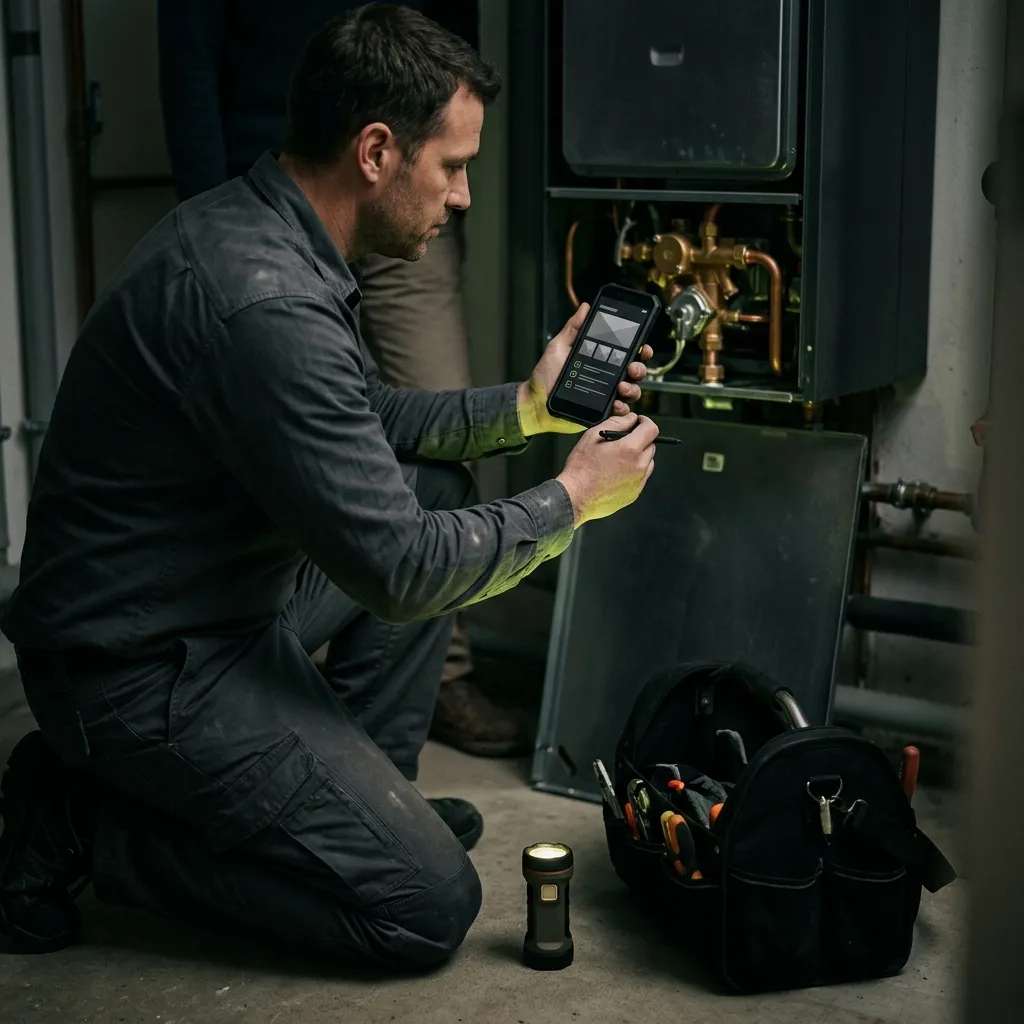
A mobile field service report replaces the paper job sheet: at the customer's site, the technician records time, materials and the work done, takes photos, the customer signs with a finger on the screen, and the office receives a finished PDF report, ready for invoicing. For a smaller business, a ready-made field service app costing tens of pounds or dollars a month is usually enough. A custom app pays off when you need it connected to your own system, need specific forms such as inspection checklists, or when ready-made tools simply don't fit the way you work.
This article is for owners of service, installation and maintenance businesses and car repair garages. For anyone who spends evenings piecing jobs together from scraps of paper, photos on technicians' phones and phone calls. We show what a digital job sheet looks like, what it should do, which ready-made tools exist, and when a custom solution makes sense.
What do paper job sheets really cost you?
A paper job sheet looks cheap. The form costs pennies. What's expensive is everything that happens to it afterwards:
- Retyping. Someone in the office types hours and materials into the invoicing system. For every job, with every chance of a typo.
- Late invoices. Technicians hand in their sheets on Friday, or whenever they remember. The invoice goes out a week later than it could have, and the money arrives later.
- Lost and illegible sheets. Wet paper in the van, handwriting nobody can read, a missing signature.
- Photos on personal phones. The photo evidence sits in the technician's camera roll next to their holiday snaps. When they leave the company, the photos leave with them.
- Disputes with customers. "Your technician was here for one hour, not three." Without arrival and departure times and a signature, the business is on the back foot.
- Forgotten parts. A part that was used but not written down never gets invoiced.
Each of these is small. Together they add up to hours of office work every week and money you never bill for.
What does a mobile job sheet look like?
Picture a technician's normal day with an app:
- In the morning they see today's jobs on their phone: address, contact, fault description, equipment history.
- At the customer's site they start the timer with one tap and photograph the condition before the repair.
- During the work they note what they did and pick the parts used from a list, or scan the barcode on the packaging.
- At the end they photograph the result, show the customer a summary, and the customer signs with a finger on the screen.
- Straight away the customer receives a PDF report by email, and the office has the job with hours, parts and photos ready for invoicing.
If the technician is in a basement or boiler room with no signal, that's fine. A good app works offline and sends the data once the phone reconnects.
What should a good field service app do?
Whether you are choosing a ready-made tool or briefing a custom one, go through this list:
- Working without signal. For basements, warehouses and building sites, it is essential, not a bonus.
- Photos attached to the job. Stored by the company against the specific equipment and date, not in the technician's camera roll.
- Customer signature on screen, with the signer's name underneath.
- Time and materials. Arrival, departure, breaks, parts used and quantities.
- An automatic PDF report with your logo, emailed to the customer.
- Export to invoicing and accounting. So nobody has to retype anything.
- Your own forms. One form for installations, another for repairs, another for routine inspections.
- Simplicity. Technicians need to use it quickly, sometimes with gloves on. If the app is complicated, they'll go back to paper.
Car repair garages: what's different?
In a garage, the job is tied to a vehicle, not an address. A job sheet app for a garage therefore also needs:
- Vehicle check-in with photos. Photos of existing damage and the mileage at drop-off protect you from "that wasn't there before" disputes.
- Vehicle history. What was done last time and which parts were replaced.
- Approval of extra work. When the mechanic finds another fault, the customer receives a message with a photo and a price and approves it. No phone tag, no surprises at the till.
Ready-made garage apps exist too. The same rule applies: try off-the-shelf first, and go custom only when it doesn't fit.
Ready-made tools: what's on the market as of September 2026
To be honest: for most small service businesses, a ready-made app is a good place to start. Two widely used examples, with prices checked as of September 2026:
- ServiceM8 has a free plan for up to 30 jobs a month. Paid plans start at $29 a month for 50 jobs, with unlimited users. Every plan includes offline access, signatures, photos and PDF job reports.
- Jobber starts at $49 a month for one user on monthly billing with no commitment, with each additional user at $29 a month. It is cheaper with an annual commitment.
Many countries also have local field service tools that connect to the accounting software common there. Before committing to any tool, check that it supports your language, both in the app and in the customer's report, and that it connects to your accounting system.
Ready-made or custom?
| Ready-made app | Custom app | |
|---|---|---|
| When you can start | within days | after design and development, typically weeks to months |
| How you pay | monthly, often per user or per job volume | upfront investment and monthly maintenance |
| Forms and reports | within what the tool allows | exactly matching your jobs, inspections and standards |
| Connection to your systems | to the ones the tool supports | to your own system, stock, invoicing or customer portal |
| Changes | you ask the vendor and wait | you decide |
| Best for | smaller teams with standard service work | businesses with specific processes or their own system |
You'll find the prices of a custom solution on the field service app page.
Mobile app or website? You don't need to know
A technician in the field needs an app on a phone or tablet that works without signal and can use the camera. The office needs an overview of jobs on a computer. Exactly how that splits is decided during the design, based on how your people work. If you're curious about the differences, we explain them in our web vs. app comparison.
When does your own solution pay off? A quick test
If you answer yes to at least three of these, a custom app is worth considering:
- You tried a ready-made tool and your technicians or office work around it.
- You have your own system (stock, jobs, invoicing) that ready-made tools can't connect to.
- You carry out inspections with a strictly prescribed form.
- You have several job types, each with its own procedure and report.
- You want customers to see their jobs and reports in their own portal.
- You pay for many users and the monthly bill grows with every new technician.
If you answered yes only once or twice, start with a ready-made app. It is faster and cheaper.
How to start
- Collect 20 paper job sheets from last month. Note what repeats and what is missing.
- Measure how long it takes from finished work to a sent invoice. That's the number you want to shrink.
- Try two ready-made tools with one or two technicians during the free trial. Ask them what slows them down.
- If off-the-shelf doesn't fit, start with a design. First you decide what the job sheet looks like and where the data flows. Then it is built in stages, starting with what matters most, usually the job sheet with the signature, with other parts added step by step.
- Think about the next step too. Processing the reports, for example checking they are complete or preparing invoice data, can be automated further with AI, which is what our sister brand Grow-AI focuses on.
Frequently asked questions
Is an on-screen signature as good as one on paper?
As the customer's confirmation that the work was done and to what extent, it serves much the same purpose as a signature on paper. If you need the report for official documents with special requirements, such as certain safety inspections, check the required format with a specialist.
What if the technician has no signal?
A good app works offline. The technician fills in the report, the customer signs, and the data is sent once the phone reconnects. When choosing a tool, test this in practice, not just in the product description.
Will technicians actually use it?
If the app is simpler than paper, yes. Involve one or two technicians in choosing or designing it. Once they see they no longer have paperwork to finish in the evening, they'll convince the others.
Can the job sheet connect to invoicing?
Yes. Ready-made tools connect to selected invoicing and accounting programs. A custom app connects to the one you already use.
Had enough of paper job sheets and retyping in the office? See what a custom field service app can do, or write us a few sentences about how your technicians work today. No technical brief needed.
Want a solution of your own?
Service reports on a phone: photos, customer signature, materials and time — straight to invoicing, no paper.
You don't need to know whether you need a website or an app. Just tell us what you want to build.