Ready-Made or Custom Booking System? When Your Own Is Worth It
Author
Grow-App
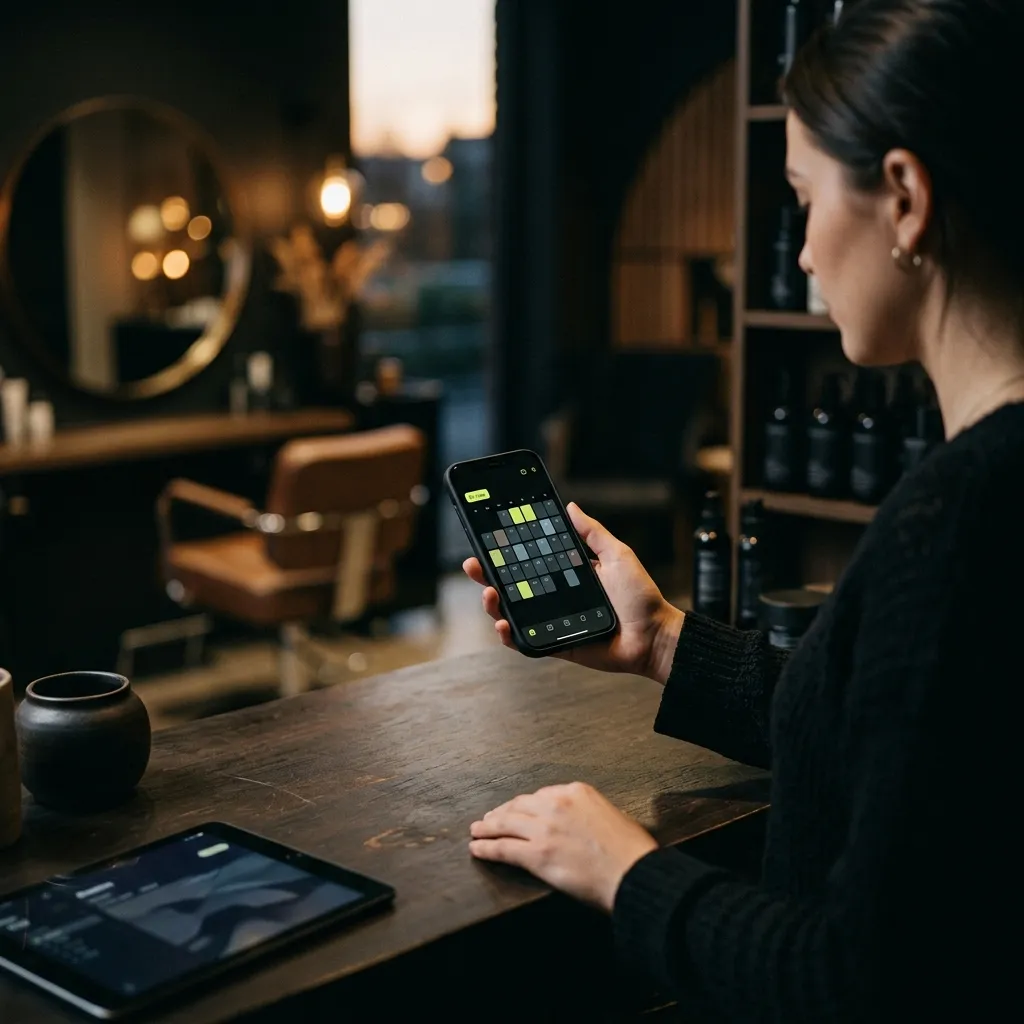
Most small businesses are well served by a ready-made booking system such as Calendly, Acuity Scheduling, Fresha or SimplyBook.me. Some have a free plan, paid plans start at a few dollars or euros a month, and you can be up and running in an afternoon. A custom booking system only pays off when you want bookings tied to a loyalty scheme, subscriptions or class passes under your own brand, when your process doesn't fit a ready-made tool, or when you want your clients and their data fully in your hands.
This article is for owners of salons, barbershops, physiotherapy and massage practices, fitness studios, clinics and any service business that still takes bookings by phone, Instagram message and notebook. We compare the ready-made tools, look at what you get for free, and finish with a quick test of whether a ready-made tool is enough for you.
What do you actually need from a booking system?
Before comparing prices, write down what hurts most today. For most businesses it is one of these:
- The phone during work. You're cutting hair, treating a client or coaching a session and the phone rings. You don't pick up, and the caller books elsewhere.
- No-shows. A client forgets and you're left with an empty hour. A reminder by text or email the day before helps.
- A calendar in your head and a notebook. When you're ill or on holiday, nobody else knows who's booked.
- Deposits and cancellations. For long or expensive services you want a deposit so a booking means something.
- Class passes and regulars. You want to know who comes regularly and how many sessions they have left.
Almost any ready-made system solves the first three, even on a cheap plan. Deposits and passes are where tools start to differ. And only when you need several of these at once does a custom solution begin to make sense.
What do Calendly, Acuity, Fresha and SimplyBook.me cost?
These four are widely used and each has a different focus. Calendly is built for meetings and consultations, Acuity for appointment-based services, Fresha for salons and spas, and SimplyBook.me for a broad range of services. Prices are taken from their price lists as of September 2026, in the currency they publish.
| Calendly | Acuity Scheduling | Fresha | SimplyBook.me | |
|---|---|---|---|---|
| Free plan | yes: one event type, one calendar connection | no, 7-day trial | no, 7-day trial | yes: 50 bookings a month, 1 provider |
| Cheapest paid plan | Standard: $10 per seat a month (less on annual billing) | Starter: $16 a month billed annually ($20 monthly), 1 calendar | Independent: €11.95 a month for a one-person business | Basic: €11.90 a month billed annually (€13.90 monthly), 100 bookings |
| For a small team | Teams: $16 per seat a month | Standard: $27 annually ($34 monthly), up to 6 calendars | Team: €7.95 per team member a month | Standard: €24.90 annually (€29.90 monthly), 500 bookings |
| Payments and deposits | via Stripe or PayPal on paid plans | via Stripe, Square or PayPal | 1.29% + €0.20 per online payment | extended payment features (refunds, payment links) on Premium |
| Extras to watch | add-ons for AI features | text reminders and packages from Standard | one-time fee on brand-new clients from its marketplace; texts beyond 20 a month are charged | booking limits per plan |
Fresha lists its prices excluding sales tax.
What follows from the table:
- A single no-show costs more than a month of software. If reminders save you one appointment a month, a paid plan pays for itself.
- Texts and payment fees add up faster than the plan. With hundreds of bookings a month, work out how many text reminders you'll send and how many clients pay upfront.
- Limits decide the plan. With 150 bookings a month, the free plan of SimplyBook.me won't cover you, and neither will its Basic plan.
Is there a free booking system?
Yes, and it's enough to get started. Calendly's free plan handles one type of appointment, and SimplyBook.me's free plan handles 50 bookings a month. Clients pick a slot themselves through a link you put on Instagram, Google or your website.
Free plans have limits you'll hit as you grow:
- Number of bookings or appointment types. Exceed them and you move to a paid plan.
- One user. When a colleague joins, you need a higher plan.
- Branding. Clients see the tool's name, not just yours. Removing it is usually reserved for higher plans (on Acuity, for example, the Premium plan).
- Advanced features. Waitlists, packages, text reminders and statistics tend to be paid.
Practical advice: start with a free plan or a trial and watch whether clients actually book online. If they do, a paid plan for the price of a coffee a week is the best investment you'll make this month.
When is a ready-made system enough?
Let's be honest: in most cases. A ready-made system is enough if:
- you run one location with one to five people,
- you sell standard appointments (a cut, a massage, a therapy session, a training session),
- reminders and deposits solve most of your no-show problems,
- you don't mind clients seeing the tool's logo or booking through someone else's app.
Ready-made tools are built by teams that do nothing else. They come with apps for you and your clients, calendar sync and a steady stream of new features. You can't build that yourself for the price of a lunch a month.
When does a ready-made system start holding you back?
The problem is rarely that a ready-made tool can't do something. The problem is when you need several things at once and each lives in a different place. These are the situations where a custom solution starts to make sense.
You want your own app for regulars
Regular clients don't want to hunt for a link every time. They want an icon on their phone with your logo, showing their bookings, their class pass and your news, where they can rebook with one tap. Some ready-made platforms offer a branded app for an extra fee, but its look and features stay within what that platform can do.
You want bookings tied to loyalty, subscriptions or passes
An example from a fitness studio: a client has a monthly membership with 8 sessions, gets a free massage for every 10 visits, and books a specific class with a specific instructor. With ready-made tools that often means three services that don't talk to each other. In a custom solution it's one client account. You can read more about loyalty in digital loyalty card vs loyalty app and about memberships in subscriptions in your own app.
Your process doesn't fit the settings screen
For example, several locations with shared clients. Rooms, equipment or vehicles that can't be double-booked. Deposits that vary by service and day. A booking that needs approval or a questionnaire first. Ready-made tools cover a lot, but when you bend your process to fit the software rather than the other way round, it's time to think.
You want your clients and data with you
In a ready-made tool, contacts and client history sit on someone else's servers in someone else's format. Most tools let you export them, so you won't lose anyone. But if you want to work with the data, for example sending offers based on how often someone visits, a custom solution gives you a free hand.
Ready-made vs custom: a comparison
| Ready-made system | Custom system | |
|---|---|---|
| Time to launch | a day | weeks to months |
| Upfront investment | none | yes |
| Monthly costs | plan + texts + payment fees | maintenance and hosting |
| Brand | the tool's brand; your own logo often only on higher plans | yours only |
| Features | what the tool offers | what you need |
| Client data | in the tool, with export | with you |
| Risk | low, cancel any time | higher, so validate the idea first |
You can find current prices for a custom solution on the custom booking system page.
Website or app? You don't need to know
If you're considering a custom solution, you don't need to know upfront whether you need a website or an app in the App Store and Google Play. The usual start is a booking website that works on phones and computers, with an app for regulars added later. We explain the differences in our web vs. app comparison.
When is a custom solution worth it? A quick test
A custom booking system makes sense if you can answer yes to at least three of these:
- You already use a ready-made tool and keep hitting its limits.
- Bookings, passes, loyalty and payments live in different places.
- You want an app under your own brand where clients see everything in one place.
- You have several locations, rooms or resources that must be coordinated.
- Monthly fees for the tool, texts and payments have become a noticeable sum.
- You want to actively use your client data and keep it yourself.
If you answered yes to only one or two, stay with a ready-made tool. That's a sensible decision, not a compromise.
How to start this week
- List your services and their length. Include buffers between clients and who delivers which service.
- Decide your rules. How late can clients cancel? Do you want deposits? For which services?
- Try two tools. Book an appointment as if you were a client. Which felt easier?
- Put the link everywhere clients look for you. Instagram, your Google profile, your website, your message signature.
- Check the numbers after a month. How many bookings came in online? How many people didn't show? Only then think about a higher plan or a custom solution.
Frequently asked questions
Which is better for a salon: Calendly or Fresha?
They're built for different things. Calendly is strongest for meetings and consultations. Fresha is built for salons and spas, with staff calendars, payments and a marketplace where new clients can find you. For a salon, a tool built for salons will usually feel more natural.
Can I start with a ready-made tool and move to a custom one later?
Yes, and it's a sensible path. A year with a ready-made tool shows you what clients really use and what you're missing. Before switching, check that you can export your contacts and client history.
Does a booking system help with no-shows?
Yes, mainly through reminders the day before and deposits for longer services. It won't eliminate them, but a client who gets a reminder or has paid a deposit is less likely to forget and more likely to cancel in time.
How much does a custom booking system cost?
It depends on what it needs to do: bookings only, or passes, loyalty and an app too. You'll find current prices on the custom booking system page. Before any development we create a design, so you see the solution before you spend money on programming.
Has your ready-made tool stopped being enough, and do you want bookings under your own brand? See what a custom booking system can do, or write us a few sentences about how you take bookings today. No technical brief needed.
Want a solution of your own?
Online bookings for a salon, studio or clinic — with reminders, deposits and class passes.
You don't need to know whether you need a website or an app. Just tell us what you want to build.