Restaurant Table Reservations: Phone, Ready-Made System or Your Own?
Author
Grow-App
Restaurant table reservations come in three forms: the phone and a paper book, a ready-made online reservation system, or your own system under the restaurant's name. For most restaurants the biggest win today is a ready-made system that takes bookings around the clock, sends reminders and works through Google, ideally without a fee for every guest. Your own system pays off when you run several venues, host lots of events, have a loyalty scheme, or want your guests and their data fully in your hands.
This article is for restaurant, bistro and wine bar owners and managers who know the scene: the phone rings in the middle of lunch service, bookings live in a book only one person understands, and on Friday night a table for six stays empty. We go through the options, their costs, and how to reduce the number of guests who don't turn up.
The phone and the book: why they stop being enough
The phone and a paper reservation book have worked for decades. They are free and there is nothing to learn. But they have three weak spots:
- The phone rings at the worst moment. During a rush you either don't answer or you leave guests who are already seated.
- Bookings only arrive during opening hours. A guest who wants to book from the sofa at 11 pm has no way to do it.
- Only one person understands the book. On the manager's day off, nobody knows why table 7 is "blocked" or whether Mr Smith called to cancel.
If you run a small place with a handful of bookings a week, the book can stay. Once bookings make up a large part of your evenings, an online system quickly pays for itself.
How do you reduce no-shows?
A no-show costs a restaurant more than it seems. You held the table, turned other guests away for it, and have the food and staff ready. You won't get rid of no-shows completely, but you can cut them down a lot:
- Confirmation straight after booking. The guest gets an email or text with the date, time and party size. They can see the booking is real.
- A reminder the day before or on the day. The simplest and most effective step. People who forgot remember. People who can't come are more likely to cancel.
- Easy cancellation. A link in the reminder that cancels with one tap. A booking cancelled at 4 pm beats an empty table at 7 pm.
- A deposit or card guarantee. For large groups, tasting menus and holidays. The guest enters card details and pays an agreed fee if they don't turn up without cancelling. Don't use it everywhere: for an ordinary lunch it puts people off.
- Notes on the guest. Someone who has not shown up twice gets asked for a deposit next time. That needs a guest history, which a paper book can't keep.
Almost every ready-made system handles confirmations and reminders. Deposits and card guarantees are offered by some, or only on higher plans.
Bookings through Google: what to know
Many guests look for restaurants straight in Google Maps. Your business profile can show a button to reserve a table. Google displays it when you work with a reservation system that partners with Reserve with Google, or when you add a link to your own booking page. Google's help pages point out that your provider may charge you for bookings made through Google, so check the terms first.
In practice: when choosing a system, ask whether it can take bookings through Google and on what terms.
Ready-made reservation systems and how they charge
The big difference between systems is not the features but the fee model. As of September 2026, these are the main approaches:
- Subscription plus a fee per network guest: OpenTable. On OpenTable's Core and Pro plans you pay a monthly subscription, plus a cover fee for diners who find you through OpenTable's website, app or affiliate network. Bookings through your own website or by phone are free on those plans. In the US, OpenTable lists the Core plan at $299 a month plus $1.50 per network cover. Prices vary by country.
- Subscription without cover fees: Resy and SevenRooms. Resy says it charges no cover fees on its monthly plans. SevenRooms sells packages on a quote basis and advertises access to its reservation marketplace with no cover fees.
- A fee based on the bill: TheFork. TheFork Manager charges a fee based on a percentage of the average bill per guest for bookings from TheFork, Tripadvisor and partners. Bookings from your own website, Instagram and Facebook are included.
- Reservations in your POS. Some till systems offer a reservations module that replaces the paper book at the till. Check whether it also takes online bookings from guests.
The pattern: portals that bring you new guests charge per guest. Systems that only manage your bookings charge a flat monthly fee.
Comparison: phone, subscription, portal or your own
| Phone and book | Ready-made system (flat fee) | Portal with a fee per guest | Your own system | |
|---|---|---|---|---|
| Monthly costs | none | a fixed subscription | a fee for every guest from the portal | maintenance and hosting |
| Bookings outside opening hours | no | yes | yes | yes |
| Reminders and confirmations | by hand | yes | yes | yes |
| New guests from a marketplace | no | usually not | yes | no |
| Guests and their history | in the book | in the system, with export | largely with the portal | with you |
| Brand the guest sees | yours | yours and the system's | the portal's | yours only |
Two things follow from the table:
- For most restaurants a flat-fee system is the sensible start. For the price of a dinner or two a month, you get round-the-clock bookings and reminders.
- A per-guest portal is marketing, not a reservation book. It's worth it when it genuinely brings new guests. If you mostly serve regulars, you pay for people who would have come anyway.
When is your own reservation system worth it?
Your own solution doesn't make sense for a single restaurant with ordinary bookings. It starts to make sense here:
- Several venues. Guests choose between locations, and you want one guest database and one overview.
- Events, tastings and private dining. Tickets, deposits, set menus and capacities that are hard to configure in a ready-made system.
- Loyalty and regulars. You want guests to book, collect points and get invitations in one app. More in digital loyalty card vs loyalty app.
- No per-guest fees, under your own name. Guests book with you, not on a portal that shows them your competitors next to you.
- Guest data. You want to know who comes, how often and for what, and to act on it.
You can find current prices for your own solution on the restaurant table booking system page.
Our story: validate first, build later
We had an idea for a restaurant reservation system too. So far we haven't written a single line of code for it. First we tested it in the field: on Instagram and by pitching it directly to restaurants. Only after that came the questions of how it would make money and the business plan. We describe the process in our case study.
We recommend the same approach to you. Before investing in your own system, confirm that your guests really book online and find out what they miss.
Website or app? You don't need to know
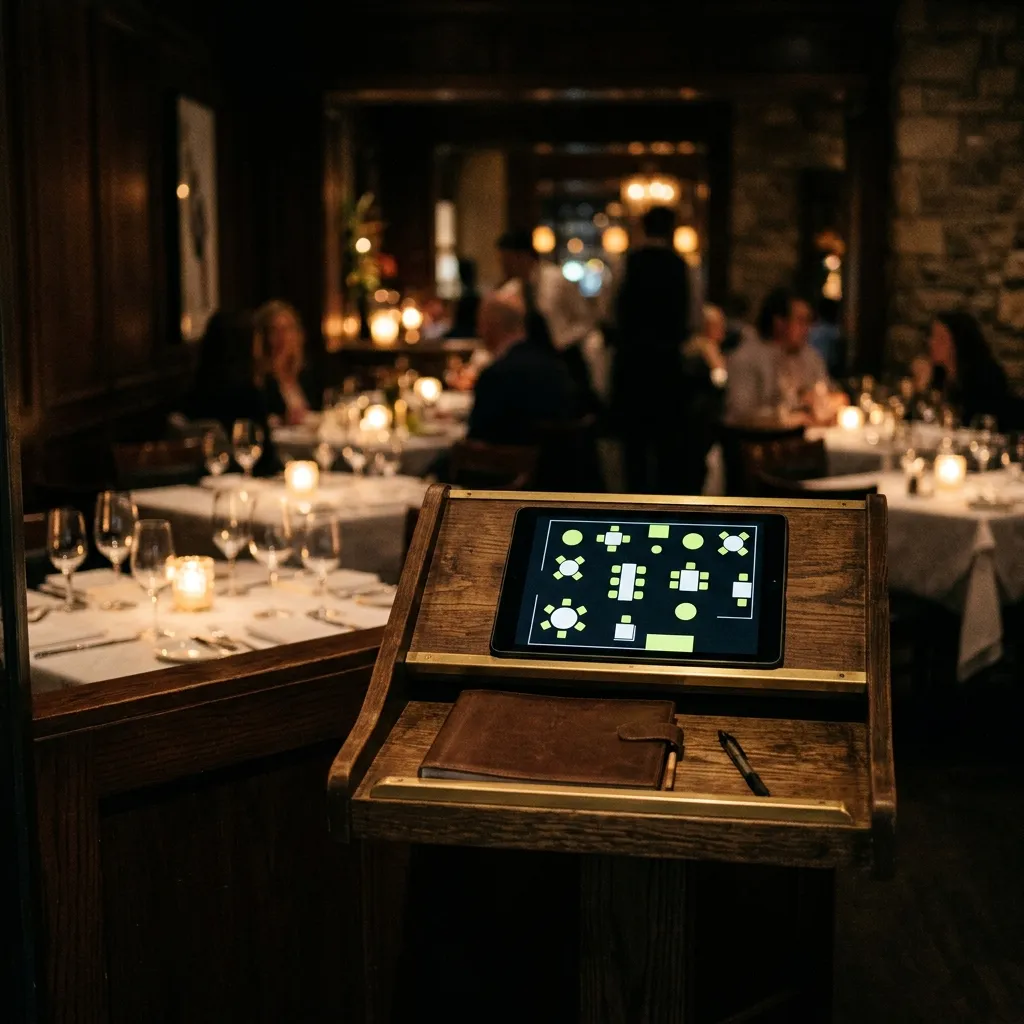
With your own solution, you don't need to know upfront whether you need a booking page, an app for guests or a tablet for staff. The usual start is a booking form on your website and a table overview on a tablet, with an app for regulars added later. We explain the differences in our web vs. app comparison.
When is your own solution worth it? A quick test
Your own reservation system makes sense if you can answer yes to at least three of these:
- You run several venues or are planning another.
- You regularly host events, tastings or private dining with deposits.
- You pay a portal fees for guests who come back again and again.
- You want to link bookings to a loyalty scheme or an app for regulars.
- You want guest contacts and history with you.
- You already use a ready-made system and keep hitting its limits.
If you answered yes to only one or two, pick a flat-fee system. It's fast, affordable and pays for itself.
How to start this month
- Count your no-shows. For a month, mark who didn't come and didn't cancel. You'll know exactly what it costs you.
- Set your rules. How late can guests cancel? From what party size do you want a deposit? Which tables can be booked online?
- Try one flat-fee system. Most offer a trial. Book a table as a guest and see what you receive.
- Add booking to Google and Instagram. That's where guests look for you.
- Compare after a month. How many bookings came online? How many people didn't show? Only then think about your own solution.
Frequently asked questions
Which reservation system is best for a restaurant?
The one your servers will actually use during the busiest service. Trial two systems and let your front-of-house team decide. On cost, most restaurants are better off with a flat fee than with a fee per guest.
Should I ask for a deposit for a table booking?
For ordinary bookings, usually not: it puts guests off. For large groups, holidays, tasting menus and events, yes. A card guarantee is the softer version: the guest pays nothing if they turn up or cancel in time.
How do I get a "Reserve a table" button on Google?
Through a reservation system that partners with Reserve with Google, or by adding a link to your own booking page in your business profile. Ask your provider whether it's supported and whether it charges for bookings made through Google.
How much does your own restaurant reservation system cost?
It depends on whether you need bookings only, or also a floor plan, events, deposits and a loyalty scheme. You'll find current prices on the restaurant table booking system page. Before any development we create a design, so you see the solution before you spend money on programming.
Want bookings under your restaurant's own name, without a fee for every guest? See what a restaurant table booking system can do, or write us a few sentences about how you take bookings today. No technical brief needed.
Want a solution of your own?
Online table bookings with no per-guest fee, reminders against no-shows and your own guest database.
You don't need to know whether you need a website or an app. Just tell us what you want to build.